AI photo editor for iPhone & Android

Your photo.
Your words.
New possibilities.
Remove distractions, change the scene, or add a little unexpected. Just tell AIPGEN what you want to change.

Free to download. In-app purchases apply.

Big ideas welcome. Editing experience optional.
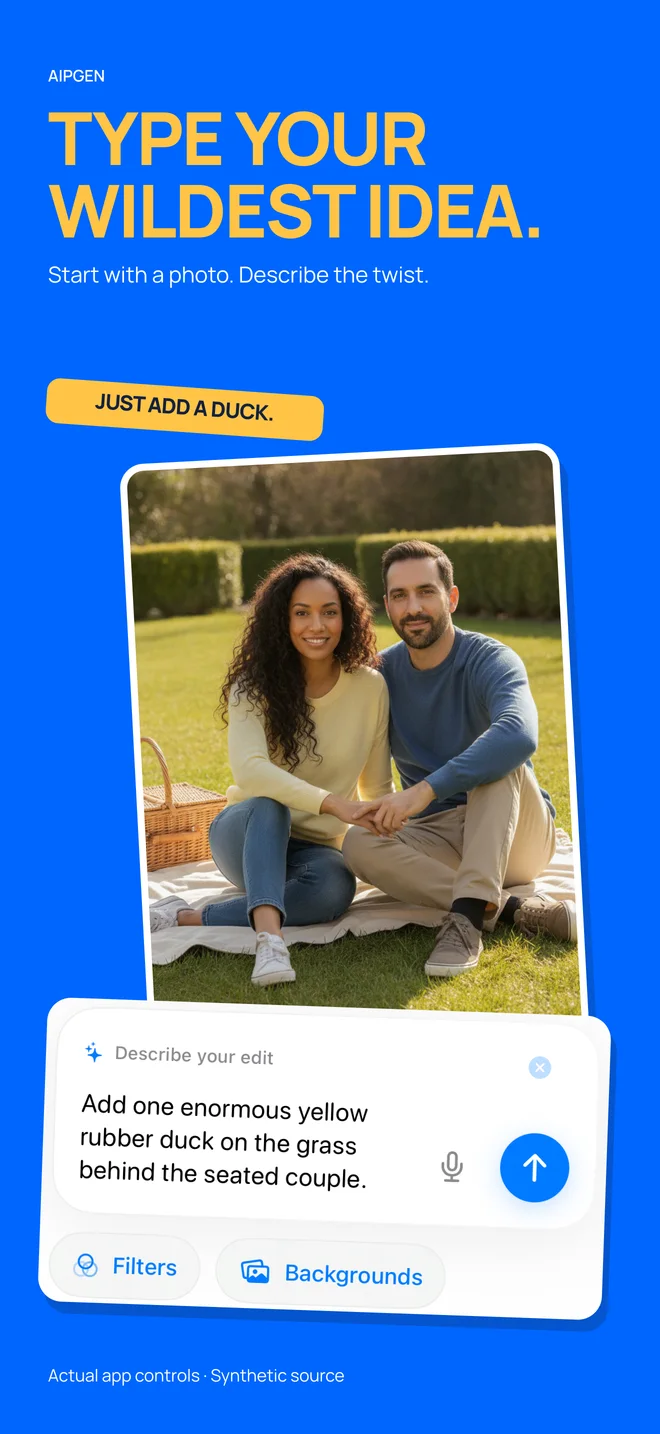
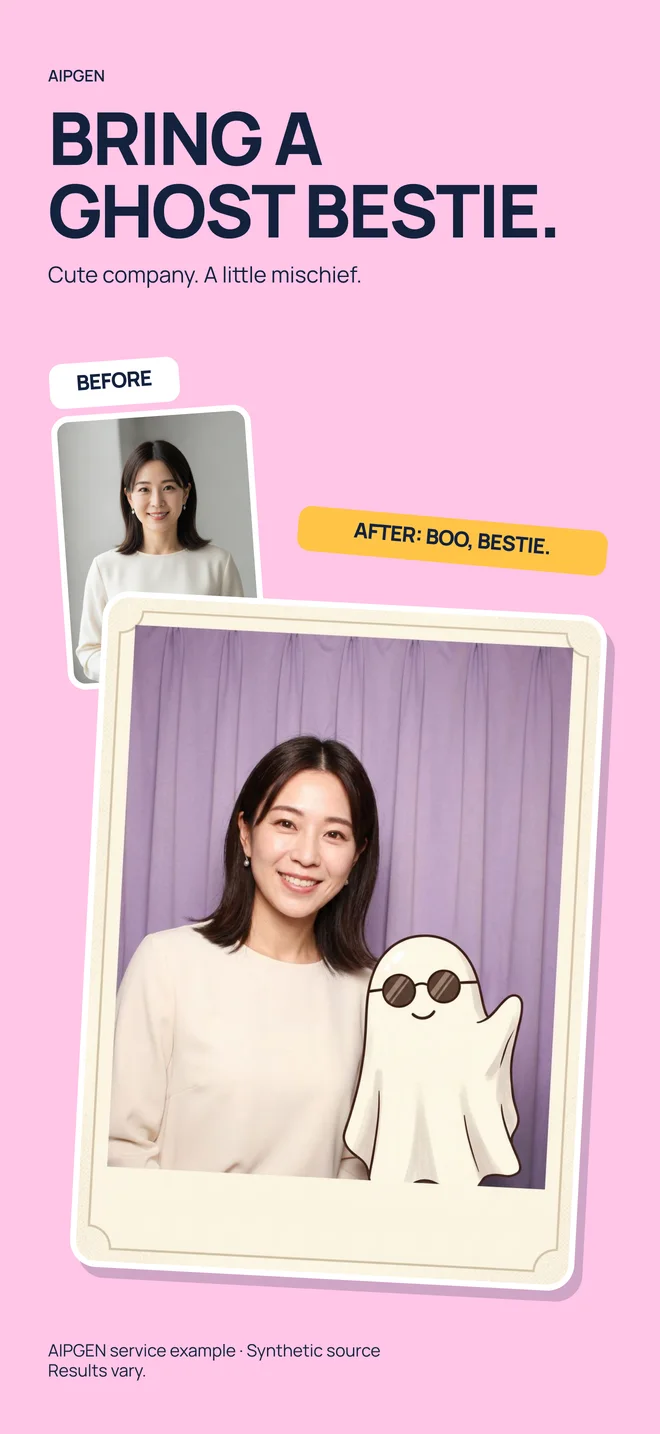
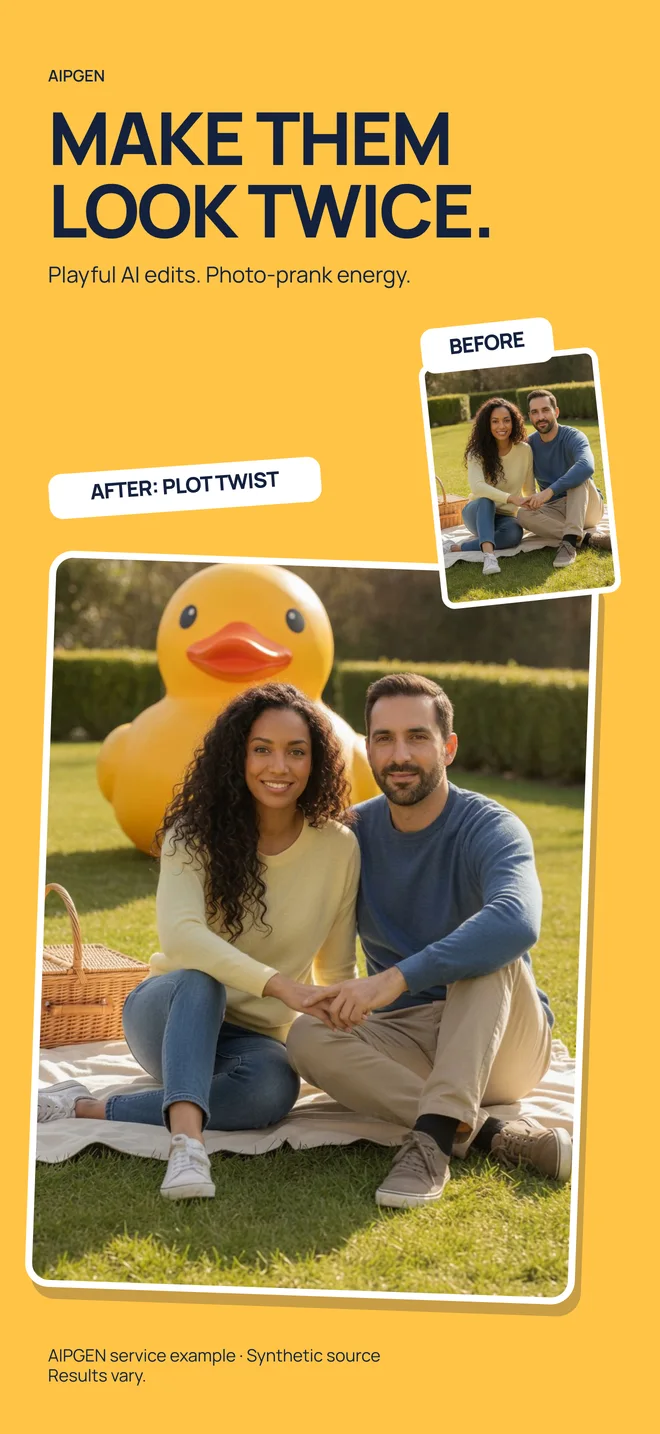
AIPGEN example adding an illustrated ghost to a portraitBefore and after: a giant yellow duck added behind a couple
Imagine it. Describe it.“Add one enormous yellow rubber duck behind the couple.”
Real App Store artwork · Synthetic example images · Results vary.
Remove the unwantedReimagine the backgroundAdd something unexpectedMake it your own
A little edit. A different feeling.

Keep the moment.
Change the possibilities.

From a small cleanup to a completely new creative direction, start with the photo you already have.

01

Less distraction.
More of your moment.

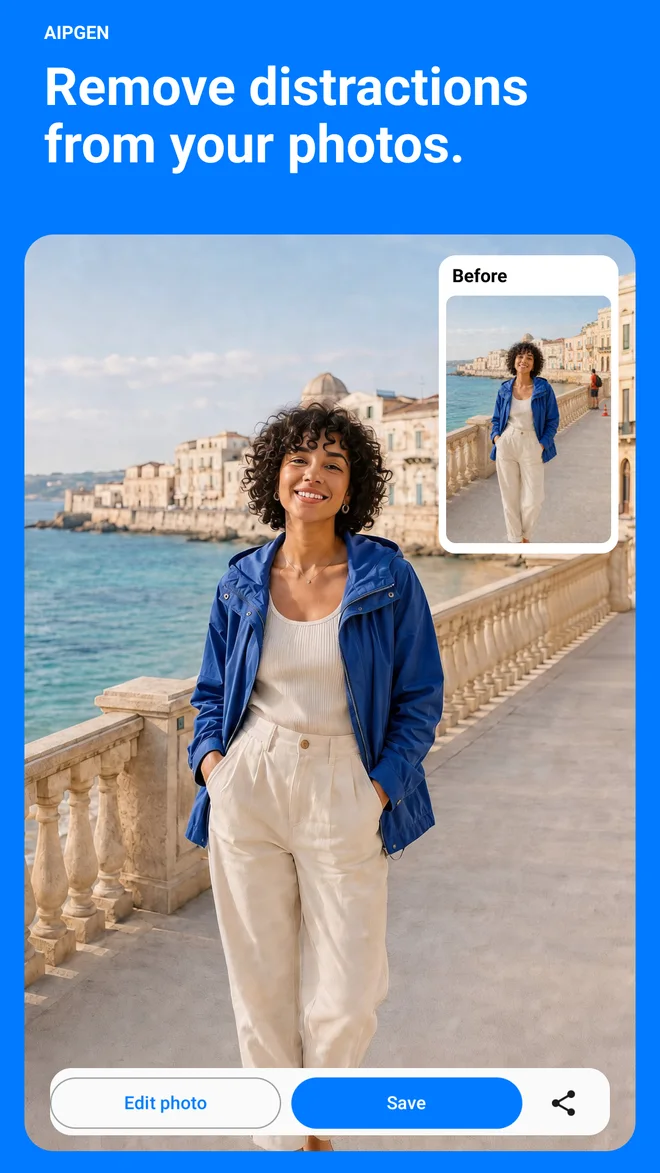
Remove an unwanted object, a person in the background, or visual clutter. Tell AIPGEN what to remove and what to keep.

Explore object removal
02

A new scene.
The same imagination.

Change a background, add a creative element, or combine photo references. Your next idea can begin with a single sentence.

Try a background idea
03

Old photos.
A fresh perspective.

On iPhone, explore AI restoration for faded or damaged photos. Review the result carefully and keep your original memories safe.

Read the restoration guide
A peek at the possibilities

A little less ordinary.

A giant rubber duck added behind a couple in an AIPGEN App Store example
01 / A playful new possibility
AIPGEN prompt field showing a written instruction to add a yellow duck
02 / Describe it in your own words
AIPGEN App Store example adding a friendly illustrated ghost to a portrait
03 / Add a little imagination
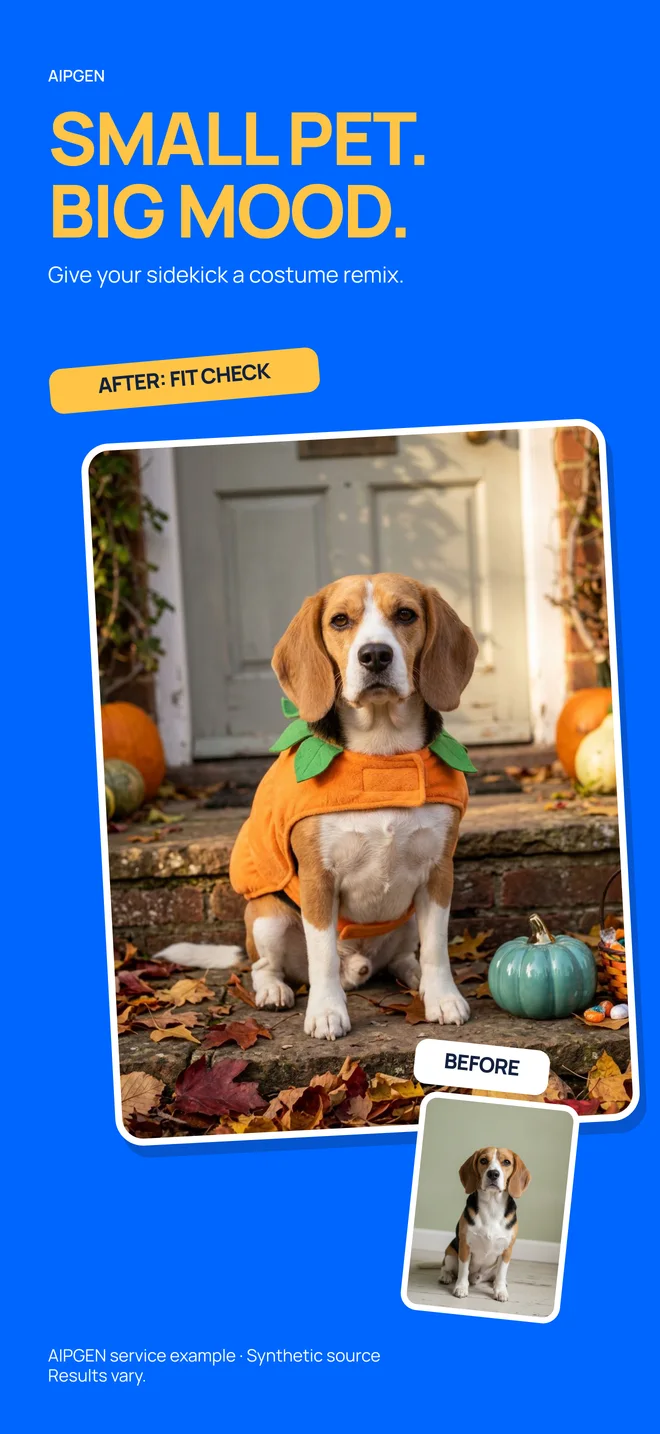
AIPGEN App Store screenshot showing a creative pet photo edit
04 / Make your photos more playful
Google Play screenshot of AIPGEN with a before and after photo example
05 / AIPGEN on Android

Screenshots from our App Store and Google Play listings. Creative examples use synthetic source images; results vary.

AIPGEN photo editing interface with a text prompt for adding a duck
How it works

From “what if”
to “look at this.”

01

Pick your starting photo

Choose a clear photo from your library. Start with a moment you love, an image that needs a cleanup, or a creative idea.

02

Say what you have in mind

Describe a specific change in plain language. Try “remove the bag on the left” or “change the background to a sunny garden.”

03

Review it. Make it yours.

Compare the result with your original, check the details, and save or share your edit. Refine the prompt when it needs another pass.

Your first photo edit, step by step
AIVGEN app iconMEET AIVGEN

What if your idea
could move?

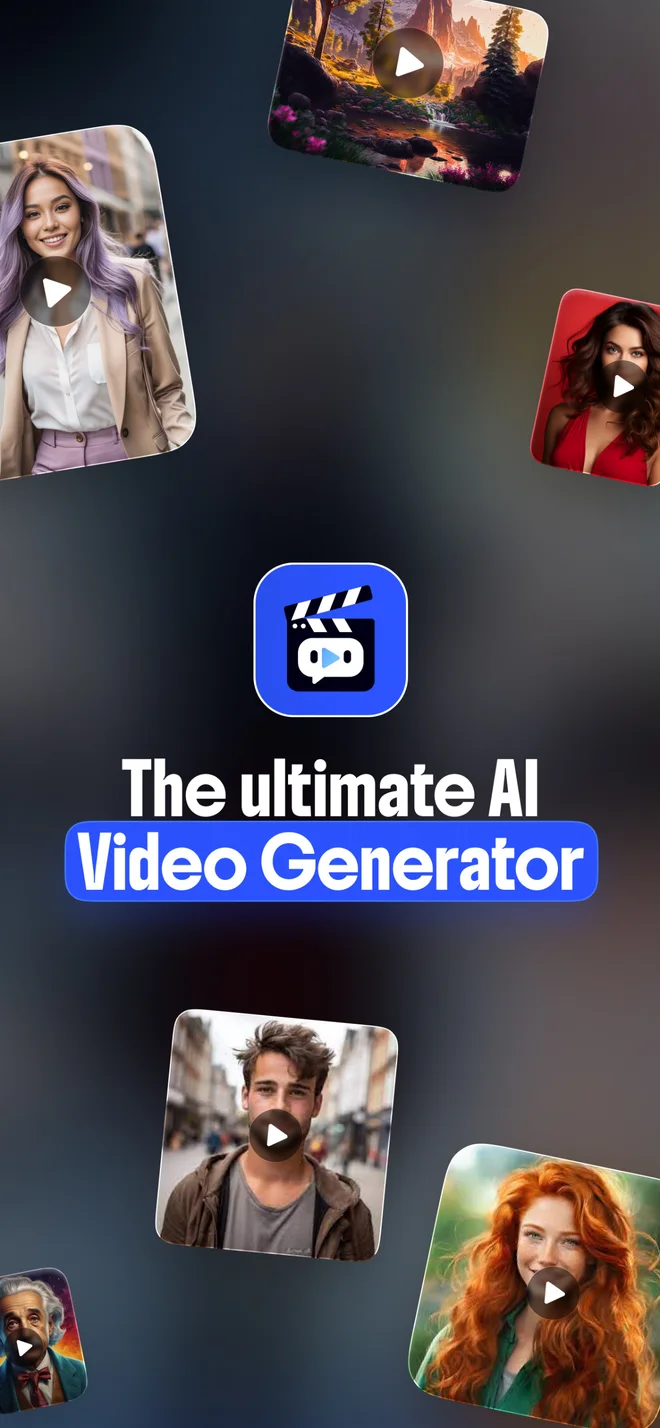
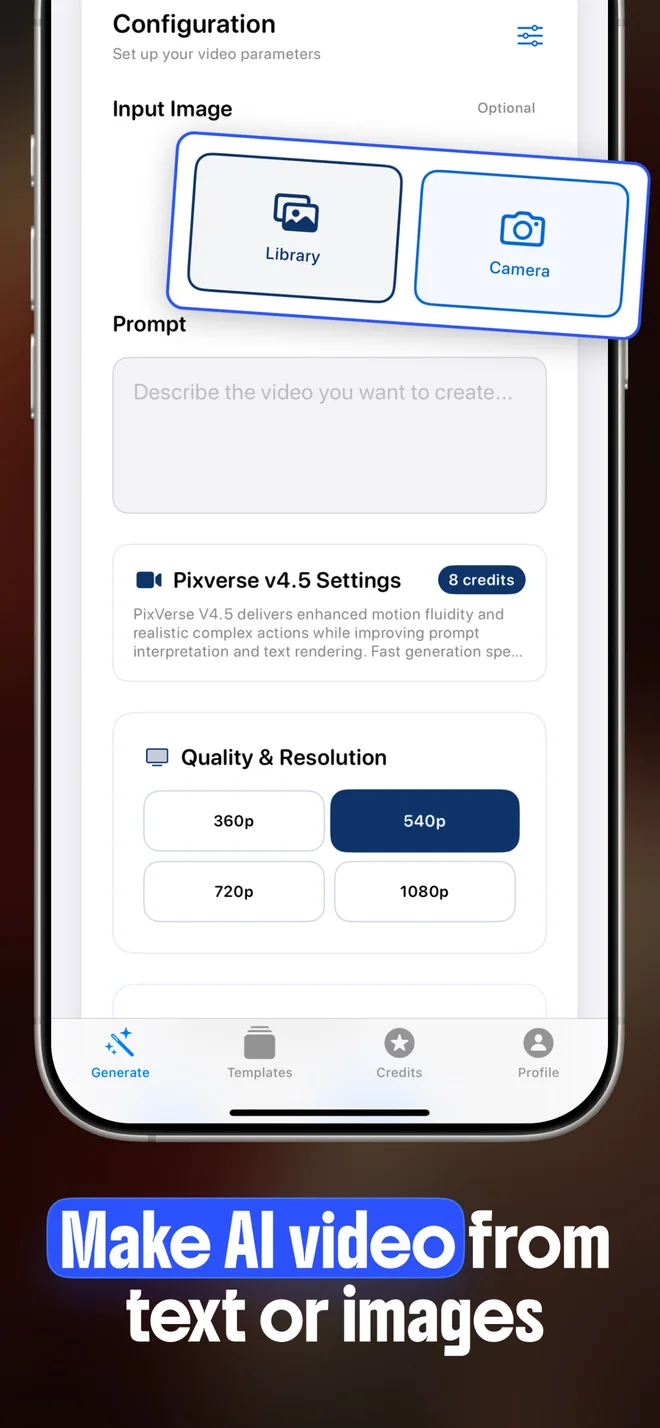
Meet our companion AI video generator for iPhone. Bring a photo or a written idea to life as a short video, with creative templates and model-specific controls.

Explore AIVGEN

A separate app for iPhone. Video generation uses credits.

AIVGEN App Store preview with AI video examplesAIVGEN App Store screenshot showing video creation features
Good questions

A little clarity
before you create.

Everything from your first edit to finding the right app for your idea.

Visit the help center
Is AIPGEN free? One complimentary edit and paid access

AIPGEN is free to download and its listings describe one complimentary photo edit. Further editing requires paid access: Android specifies a subscription, while iPhone offers premium access. Check the price and billing period shown in your app.

Learn more
Is AIPGEN available on iPhone and Android?

Yes. AIPGEN has iPhone and Android listings. Current public metadata requires iOS 16 or later on iPhone and Android 7.0 or later; features and interfaces can differ.

Learn more
Does AIPGEN generate videos, or do I need AIVGEN?

Use AIPGEN for photo editing and the separate AIVGEN app for video generation. AIVGEN’s iPhone listing supports creating videos from photos, text prompts or both.

Learn more
What should I know about privacy before editing a photo?

Review the privacy policy and the disclosure for your platform before uploading a photo. Current listings disclose data handling; they do not support a claim that all processing stays on your device.

Learn more
How can I get better results from an AI photo edit?

Use a clear original photo, request one specific change and compare the result with the source. If something is wrong, revise that detail instead of adding vague requests for better quality.

Learn more
How do I save and share a photo after editing it?

AIPGEN’s listings describe saving and sharing edited photos, comparing before and after, cropping and keeping finished edits in My Photos. Exact controls can vary by platform and version.

Learn more
Your next great edit starts here

Got a photo?
Give it a new possibility.

Remove the distraction. Change the scene. Try something unexpected. Start creating with AIPGEN on your phone.

Free to download · In-app purchases apply. iOS 16.0+ or Android 7.0+.
Check your store and the app for current pricing and availability.